1. What is Digital Image Compression and Why Does It Define Modern Web Success?
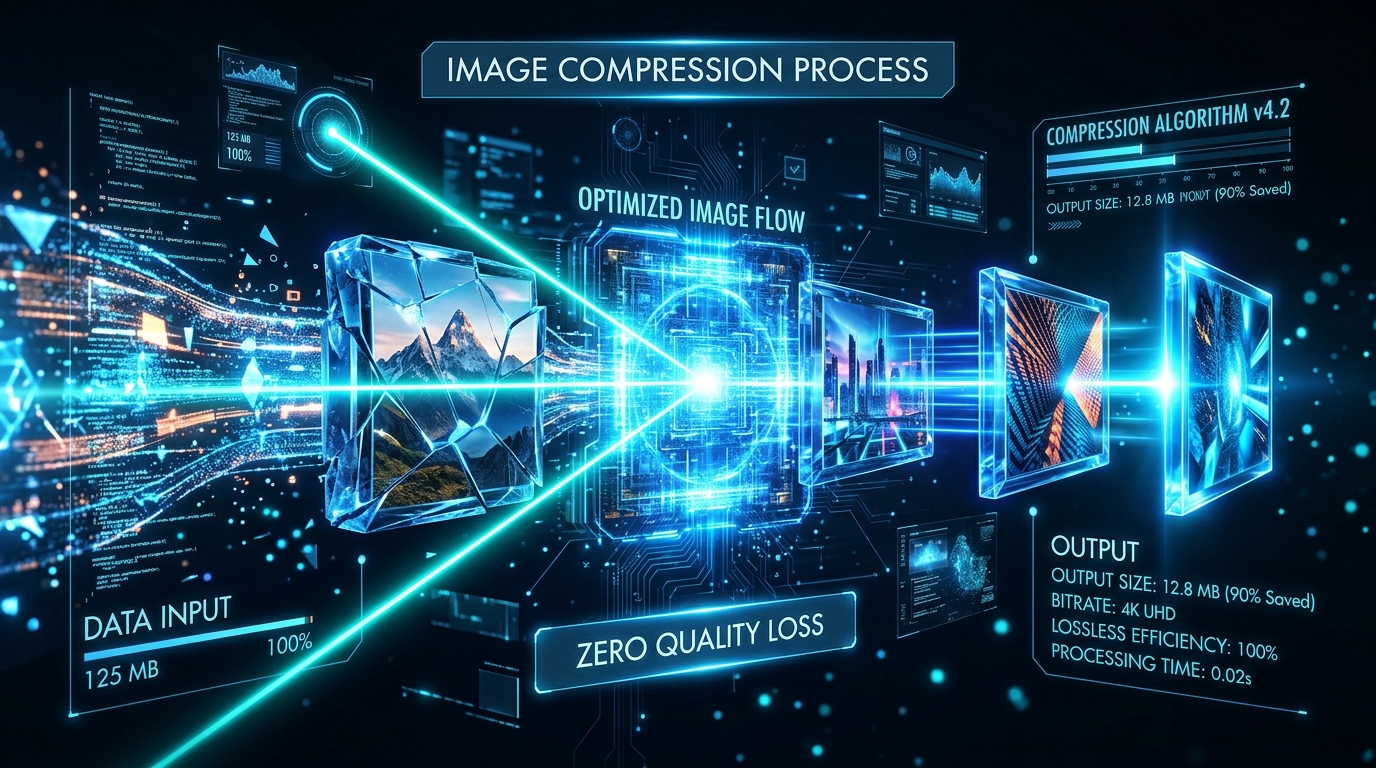
Digital Image Compression is the specialized engineering discipline of reducing an image asset's byte footprint by eliminating spatial redundancy and psychovisual frequencies that fall outside the perception threshold of the human visual system, all while preserving sharpness, contrast, and chromatic depth.
In the modern digital landscape, data from the global HTTP Archive reveals that visual media accounts for over 65% of total webpage payload weight, with average page transfers exceeding 2.4 MB. Failing to systematically optimize image assets produces severe commercial and technical penalties:
- Conversion Rate Degradation: Joint research by Google and Deloitte proves that every 0.1-second improvement in mobile loading speed drives an 8.4% increase in e-commerce conversion rates.
- Surging Bounce Rates: Over 53% of mobile visitors abandon a website entirely if page rendering exceeds 3 seconds.
- Google Search Algorithmic Penalties: Google enforces Largest Contentful Paint (LCP) as a critical Core Web Vitals ranking signal. Uncompressed heavy images are responsible for over 78% of failed LCP audits globally.
- Bandwidth & CDN Cost Escalation: Compressing visual assets saves hundreds of gigabytes in CDN egress and hosting overhead while guaranteeing smooth delivery on constrained cellular networks.
2. Lossy vs. Lossless Compression: Deep Architectural Breakdown
In digital signal processing (DSP), image compression is fundamentally divided into two distinct engineering paradigms with contrasting mathematical objectives:
💡 Industry Standard Rule: For web applications and e-commerce catalogs, deploy Lossy WebP at an 80% to 85% quality factor. This configuration captures up to 80% payload savings while maintaining an SSIM index above 0.98, representing visual indistinguishability from raw source files.
3. How Digital Compression Algorithms Work Behind the Scenes (DCT, Quantization & Entropy)
Modern encoders transform a massive multi-megabyte master file into a featherlight 180 KB web asset through four rigorous mathematical stages:
- Color Space Transformation & Chroma Subsampling (YCbCr 4:2:0):
The image transitions fromRGBintoYCbCrspace, isolating luminance Y (brightness) from chrominance Cb/Cr (color channels). Because human biology possesses far higher rod-cell density for brightness than cone-cell density for color saturation, Chroma Subsampling (4:2:0) halves chromatic resolution with zero perceived sharpness loss. - Discrete Cosine Transform (DCT):
The pixel grid is partitioned into 8×8 pixel blocks. DCT converts spatial domain values into spatial frequency domain coefficients, cleanly segregating low frequencies (uniform gradients) from high frequencies (subtle noise and rapid edges). - Quantization Matrix (Scalar Division):
The primary lossy step where high-frequency coefficients are divided by an empirical quantization matrix and rounded to integer values. This transformation collapses insignificant high frequencies into extensive clusters of absolute zeros. - Entropy Encoding (Huffman & Run-Length Encoding):
The zero-dense coefficient arrays are scanned in a zig-zag pattern using Run-Length Encoding (RLE) and encoded into minimal binary prefix trees via Huffman Coding or Arithmetic Coding.
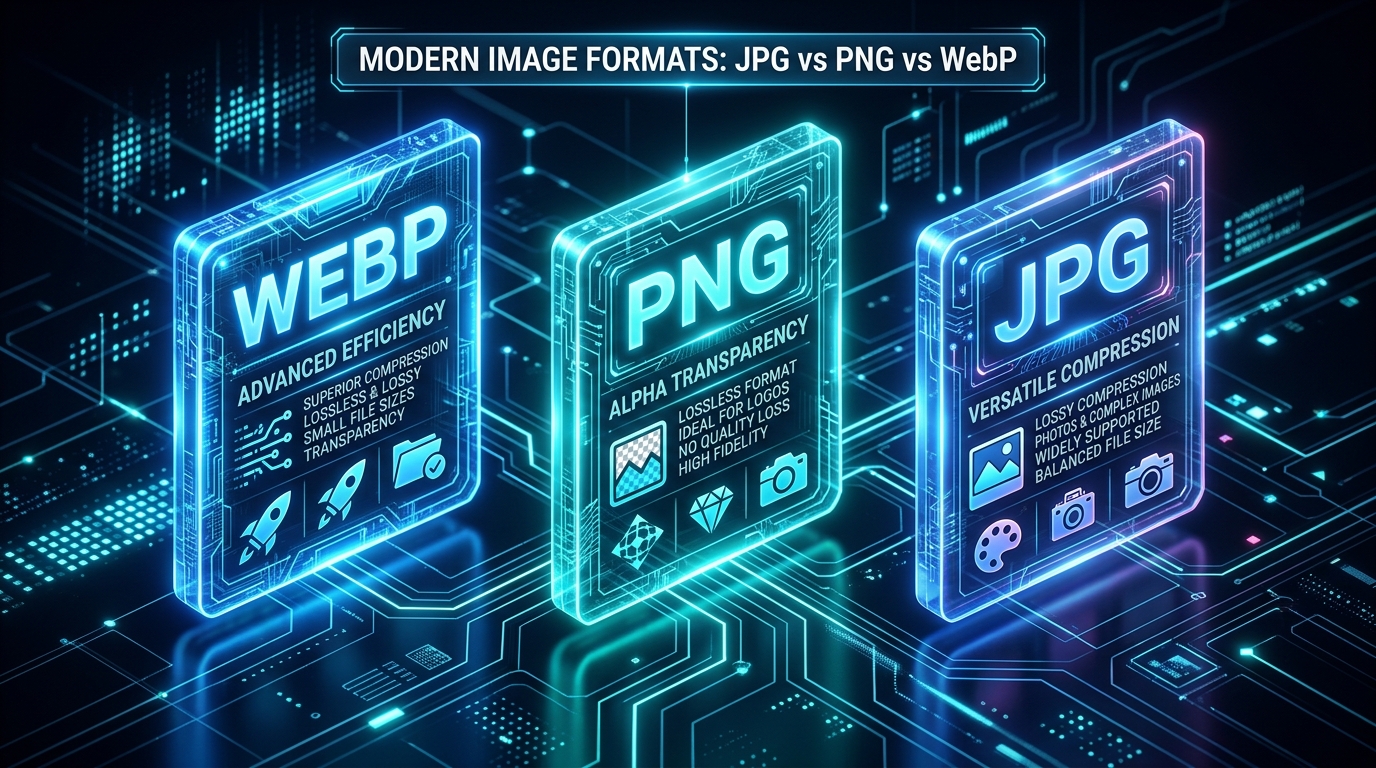
4. Next-Gen Format Benchmark: WebP vs. AVIF vs. JPEG vs. PNG vs. SVG
Selecting the optimal container format is pivotal to page load speed. The benchmark matrix below evaluates the web's 5 dominant image codecs:
5. Objective Quality Metrics: Measuring Visual Fidelity Programmatically (SSIM, PSNR & Butteraugli)
Professional media workflows evaluate compression fidelity using mathematical perception models rather than subjective human inspection:
- Structural Similarity Index (SSIM):
Evaluates structural integrity, luminance, and contrast preservation on a normalized scale from0 to 1.0. An SSIM score above 0.95 guarantees that the compressed image is indistinguishable from the raw source under standard viewing distances. - Peak Signal-to-Noise Ratio (PSNR):
A logarithmic decibel (dB) scale calculating Mean Squared Error (MSE) across RGB channels. Production benchmarks target values between 35 dB and 45 dB for optimal fidelity. - Butteraugli & DSSIM (Google Research):
Neurological vision models that compute exact human retinal perception thresholds, identifying the precise mathematical limit where visual artifacts become noticeable.
6. Step-by-Step Practical Guide: Zero-Upload Private Image Compression with GToolix
The GToolix Image Compressor & Converter runs entirely client-side using hardware-accelerated WebAssembly and HTML5 Canvas APIs, ensuring absolute data confidentiality:
- Launch Tool & Select Images: Navigate to the GToolix Image Compressor and drag & drop your photos (supports JPG, PNG, WebP, GIF).
- Configure Target Format & Quality: Adjust the compression slider (80% recommended for general web assets; 85% for fine retail goods) and select
WebPfor maximum payload economy. - Inspect Fidelity via Split Slider: Drag the interactive comparison divider horizontally to verify pixel sharpness against the raw original prior to saving.
- Export Individually or as Bulk ZIP: Download assets one by one or click Download All (ZIP) to save entire image batches in a single archive.
7. Golden Compression Presets & Dimensions Across Platforms
Deploy these precision-engineered target settings to guarantee blazing speeds and pristine clarity across all production channels:
8. Stripping EXIF Metadata: Privacy Hardening & 15% Free Byte Economy
Every photo captured on smartphone and DSLR cameras embeds hidden binary blocks known as EXIF Metadata (Exchangeable Image File Format). These records contain sensitive details:
- Exact GPS Coordinates: Pinpoints precise latitude and longitude of shooting locations.
- Hardware Serial Fingerprints: Camera serial numbers, lens models, and firmware versions.
- Shooting Parameters: Aperture, shutter speed, ISO sensitivity, and exact timestamps.
EXIF overhead adds 15 KB to 60 KB of dead weight to every single image. The GToolix Image Compressor automatically strips all EXIF and color profile bloat during local canvas encoding, fortifying personal privacy while delivering an instant 15% bonus payload reduction.
9. Core Web Vitals Synergy & Advanced Google SEO Optimization (LCP, CLS & INP)
Page speed and user experience metrics directly influence organic search engine rankings. Modern image compression supercharges 3 fundamental Core Web Vitals signals:
- Largest Contentful Paint (LCP): Measures when the largest above-the-fold visual asset finishes painting. Compressing a 2.5 MB hero image to 120 KB WebP drops LCP from 4.2s to under 1.1 seconds, securing green scores across Google Lighthouse and Search Console.
- Cumulative Layout Shift (CLS): Declaring explicit
widthandheightattributes prevents jarring layout shifts as images stream across the network. - Interaction to Next Paint (INP): Bloated image decoding blocks the browser's JavaScript main thread. Lean assets guarantee instant response to user touch and click inputs.
- Googlebot Crawl Budget: High-speed lightweight pages allow Googlebot crawlers to discover, parse, and index hundreds of new URLs per session.
10. Modern Responsive Markup: Leveraging HTML5 <picture>, srcset, and sizes
Elevate production efficiency by pairing compressed files with adaptive HTML5 responsive syntax to deliver the perfect asset for each client device:
<picture>
  <!-- Next-gen AVIF stream for modern browsers -->
  <source srcset="hero-image.avif" type="image/avif">

  <!-- Universal high-efficiency WebP stream -->
  <source srcset="hero-image.webp" type="image/webp">

  <!-- Backward-compatible JPG fallback with explicit dimensions -->
  <img src="hero-image.jpg"
       alt="Best Way to Compress Images Without Losing Quality"
       width="1280"
       height="720"
       loading="lazy"
       decoding="async"
       fetchpriority="auto">
</picture>
💡 LCP Hero Image Rule: For the primary above-the-fold hero image, remove loading="lazy" and declare fetchpriority="high" to trigger instantaneous network downloading.
11. Automated Image Optimization in Production (WordPress, Next.js & Edge CDNs)
In large-scale web applications, automated media pipelines eliminate manual compression overhead:
- WordPress Ecosystem:
Enable native WebP image generation in WordPress core or leverage plugins like Converter for Media and LiteSpeed Cache to automatically convert entire media libraries on upload. - Next.js & React Frameworks:
Utilize the built-in<Image />component fromnext/image, which utilizes Sharp to execute on-demand compression, responsive resizing, and format negotiation at runtime. - Edge Cloud CDNs (Cloudflare Polish & Image Resizing):
Deploy Edge transformations via Cloudflare to dynamically convert and compress media on the fly before delivery to the client.
12. Critical Image Optimization Mistakes and How to Prevent Them
Steer clear of these 4 widespread pitfalls that degrade page speed and damage brand aesthetics:
- ⚠️ Mistake 1: Resizing via CSS Only:
Serving a4000×3000 pximage into a400×300 pxcontainer forces mobile devices to download megabytes of unnecessary data. Always scale raw dimensions to match the maximum display viewport. - ⚠️ Mistake 2: Over-Compression Artifacts:
Dropping quality below 65% introduces jarring blockiness and chromatic banding that destroys visual credibility. - ⚠️ Mistake 3: Saving Transparent Assets as JPG:
JPG lacks an alpha channel and renders transparent backgrounds as solid black or white. Always choosePNGorWebPfor isolated graphics. - ⚠️ Mistake 4: Repeated Re-Compression (Generation Loss):
Re-encoding already compressed lossy files causes cumulative mathematical degradation. Always compress directly from the raw master source.
13. The Future of Compression: AI Super-Resolution & Neural Codecs
The next frontier of digital media optimization merges deep learning with client-side neural rendering:
- Content-Aware Neural Encoders (GAN-based Codecs):
AI models analyze semantic regions (faces, typography, textures), allocating high fidelity to critical focal points while heavily compressing peripheral backgrounds. - Edge Super-Resolution Upscaling:
Transmitting ultra-compact thumbnail-sized payloads (under 40 KB) that are upscaled client-side to 4K resolution using local WebGPU inference shaders. - JPEG XL & WebP2 Evolution:
Next-generation container standards offering lossless transcoding for legacy JPEG libraries with unmatched decode concurrency.
14. Actionable Image Optimization Checklist & Production Blueprint
Follow this 6-step pre-flight checklist before deploying any image to production:
- ✔️ Scale Dimensions: Crop and scale pixel resolution to match maximum display requirements (e.g. 1920px for hero banners; 1200px for products).
- ✔️ Select Next-Gen Codec: Default to
WebPfor photographs andSVGfor vectors and brand marks. - ✔️ Set Optimal Quality: Compress at 75% to 85% via the GToolix Image Compressor.
- ✔️ Purge EXIF Overhead: Ensure all GPS and camera headers are stripped.
- ✔️ SEO-Friendly Metadata: Assign descriptive hyphenated filenames (e.g.
best-image-compression-guide.webp) and completealttags. - ✔️ Responsive HTML Attributes: Declare
width,height, andloading="lazy"on below-the-fold assets.